Quick Search

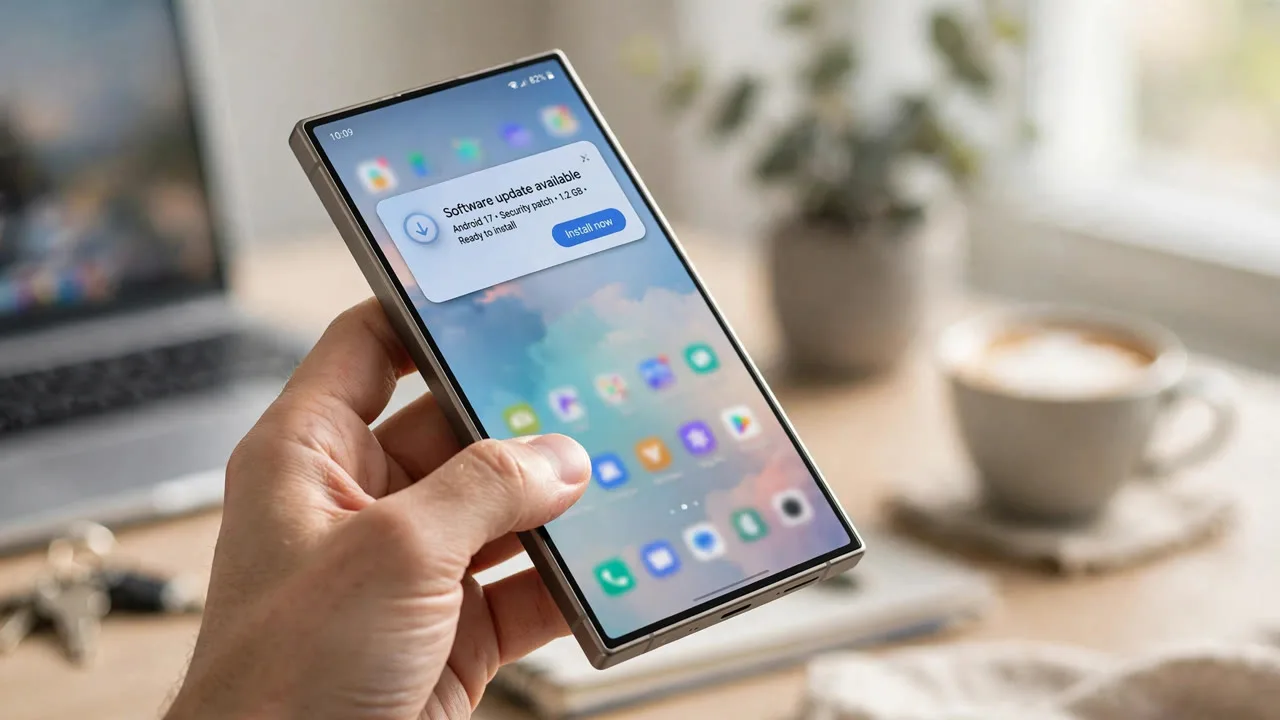
Samsung has started rolling out the stable One UI 9 update for the Galaxy S24, Galaxy S24+ and Galaxy S24 Ultra. The Android 17-based release went live first in South Korea — beta users first — starting with build S928NKSU6EZIF for the Galaxy S24 Ultra. The global rollout began on October 12, reaching One UI 9 beta participants in Europe and India first, and US carrier models followed on October 13. The first international full firmware packages are now live on SamFirms (table below), with more regions being added as Samsung widens the release. Below are the full build details, the real download sizes, when your country gets it, and how to install the firmware manually the moment your model's build lands.
Galaxy S24 One UI 9 stable update: build details
| Device | Model (Korea) | Build | Software | Security patch |
|---|---|---|---|---|
| Galaxy S24 | SM-S921N | Build ending in EZIF | One UI 9.0, Android 17 | September 2026 |
| Galaxy S24+ | SM-S926N | Build ending in EZIF | One UI 9.0, Android 17 | September 2026 |
| Galaxy S24 Ultra | SM-S928N | S928NKSU6EZIF | One UI 9.0, Android 17 | September 2026 |
The international models (SM-S921B, SM-S926B, SM-S928B) and the US carrier and unlocked models receive their own builds as the rollout expands. Every build is listed on the SamFirms model pages linked below as soon as Samsung releases it — usually the same day.
Global One UI 9 builds: international firmware now on SamFirms
The first full firmware packages for the international models landed on SamFirms on October 13 and are ready to download and flash with Odin. These are the complete packages (17–19 GB), not the small beta-to-stable OTA:
| Device | Model | Build | CSC build | Region (CSC) | Full package size |
|---|---|---|---|---|---|
| Galaxy S24 | SM-S921B | S921BXXUHEZIF | S921BOXMHEZIF | Israel (ILO) | 17.3 GB |
| Galaxy S24 | SM-S921B | S921BXXUHEZIF | S921BOXMHEZIF | Czechia (O2C) | 17.3 GB |
| Galaxy S24+ | SM-S926B | S926BXXUHEZIF | S926BOXMHEZIF | Saudi Arabia (KSA) | 17.3 GB |
| Galaxy S24 Ultra | SM-S928B | S928BXXU6EZIF | S928BOXM6EZIF | Iraq (MID) | 18.8 GB |
All four builds are One UI 9.0 on Android 17 with the September 2026 security patch. This table lists the builds live in the SamFirms database right now — new CSCs are being added through the day as Samsung releases them, so check your model page below if your region is not listed yet. Over the air, the same update reached One UI 9 beta participants in Europe and India first on October 12, and Galaxy S24 models on AT&T and T-Mobile in the US started receiving it on October 13 with an OTA download of almost 4 GB; a wider release to all users follows in stages.
When will the Galaxy S24 One UI 9 update reach your country?
South Korea got the update first, on October 6, starting with One UI 9 beta users. The global expansion began on October 12 with beta participants in Europe and India, US carrier models (AT&T and T-Mobile) followed on October 13, and the first international full firmware packages reached SamFirms the same day. The rollout continues in stages by region and carrier, widening from beta participants to all users — Samsung has not published a country-by-country calendar, which is normal for its phased releases.
To check manually, open Settings > Software update > Download and install. If nothing appears, your region's build has not been released yet. Check your model page below — new builds appear there the day they drop, often before the OTA reaches every phone.
One UI 9 download size: the 480 MB number, explained
Some reports quote a download size of about 480 MB — that figure is real, but it only applies to phones upgrading from the One UI 9 beta to the stable build. If your Galaxy S24 is on the regular release channel (One UI 8), expect a full upgrade package of roughly 3.8 GB over the air. The complete firmware packages used for manual Odin flashing are larger still, and the exact size differs by model and CSC — always check the file size on your build's download page before you start.
What's new in One UI 9 on the Galaxy S24
- A Quick Panel you can truly customise: the brightness, volume and media-player sliders can now be resized separately, and the Display Mode and Sound Mode controls sit apart from the sliders for a cleaner layout.
- Android 17 underneath: the Galaxy S24 series moves from One UI 8 / Android 16 to One UI 9.0 based on Android 17, keeping Samsung's seven-year update promise on track.
- Upgraded Samsung DeX and Samsung Notes, accessibility improvements, and a new location-access indicator that shows when an app is using your location.
- Galaxy AI refinements across Samsung's system apps.
- September 2026 security patch included in this first stable build.
How to download and install Galaxy S24 firmware manually (Odin)
Don't want to wait for the OTA? When the build for your exact model and region is released, you can flash it yourself:
- Find your model number in Settings > About phone — for example, SM-S928B is the international Galaxy S24 Ultra.
- Download the latest firmware for your model and CSC from SamFirms: Galaxy S24 (SM-S921B) · Galaxy S24+ (SM-S926B) · Galaxy S24 Ultra (SM-S928B) · Galaxy S24 Ultra Korea (SM-S928N)
- Extract the firmware ZIP and load the BL, AP, CP and CSC files into Odin. Use HOME_CSC to keep your data, or the regular CSC file for a clean install.
- Boot the phone into Download Mode, connect it to your PC, and start the flash. The phone reboots into One UI 9 when Odin finishes.
Important: flash only firmware built for your exact model number. The Korean EZIF builds are for the SM-S921N, SM-S926N and SM-S928N — do not flash them on an international (B) or US (U/U1) model. Back up your data before flashing, whichever method you use.
Galaxy Z Fold 6 and Flip 6 are getting One UI 9 too
The same Korean wave also brings stable One UI 9 to the Galaxy Z Fold 6 and Galaxy Z Flip 6, with builds ending in EZIH (the beta-to-stable OTA is around 408 MB). Their international models follow the same staged pattern over the coming days.
Galaxy S24 One UI 9 update: FAQs
When will the Galaxy S24 get One UI 9 outside Korea?
The global rollout began on October 12, 2026 — beta participants in Europe and India first, after the Korean launch on October 6 — and reached US carrier models on October 13. It continues to expand in stages by region and carrier, and the first international firmware packages are already downloadable from the table above.
What is the One UI 9 build number for the Galaxy S24 Ultra?
The first stable build for the Korean Galaxy S24 Ultra (SM-S928N) is S928NKSU6EZIF, with the September 2026 security patch. The international Galaxy S24 Ultra (SM-S928B) build is S928BXXU6EZIF, and the Galaxy S24 and S24+ international builds are S921BXXUHEZIF and S926BXXUHEZIF — see the global build table above for regions and sizes.
How big is the Galaxy S24 One UI 9 update?
About 480 MB if you are upgrading from the One UI 9 beta, and roughly 3.8 GB as a regular over-the-air update. Full Odin firmware packages are larger and vary by model and CSC.
Will updating to One UI 9 erase my data?
No — an over-the-air update keeps your apps and data. With Odin, flashing with HOME_CSC also keeps data, while the regular CSC file wipes the phone. Back up first either way.
Can I install the Korean EZIF firmware on my international Galaxy S24?
No. Samsung firmware is model-specific: the EZIF builds are only for the Korean SM-S921N, SM-S926N and SM-S928N. Wait for your own model's build — it will appear on your SamFirms model page above as soon as Samsung releases it.
We track every Samsung build the day it drops. Follow the SamFirms Telegram channel for instant new-firmware alerts, and bookmark your model page so you're first in line when the global builds land.